
Guide
Get your Strava export
Bound builds your book from the archive Strava sends you on request. Requesting it takes a couple of minutes; the email usually arrives within a few hours.
Check before you start
- It must be the full archive. A single-activity export (a GPX or TCX from one activity page) does not work.
- Photos are only included in the full archive. Without it your pages will have no photos.
- The zip holds every year, so it can be large. Drop the whole archive; only the year or dates you choose are uploaded.
- 1
Open Strava on the website
Sign in at strava.com in a browser. The phone app cannot request an archive.
- 2
Settings, then My Account
Open the menu next to your profile picture (top right) and choose Settings. In the left-hand list choose My Account.
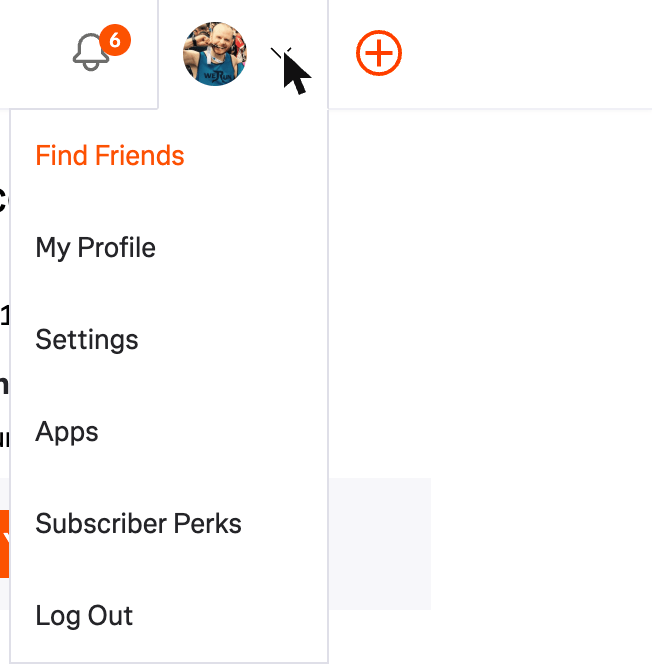
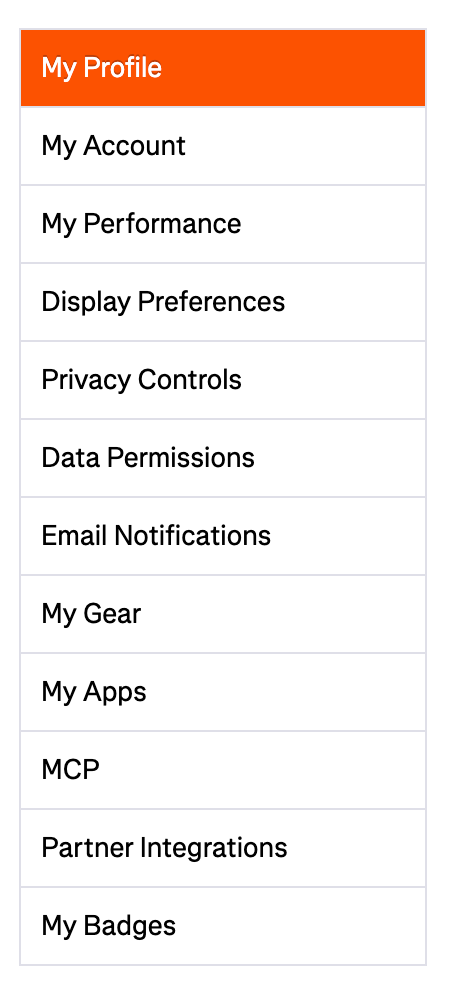
The profile menu, then My Account in the settings list. - 3
Download your account
Near the bottom of My Account, find Download your account and click Get Started. Nothing is deleted by doing this. Leave the Delete your account box below it alone.
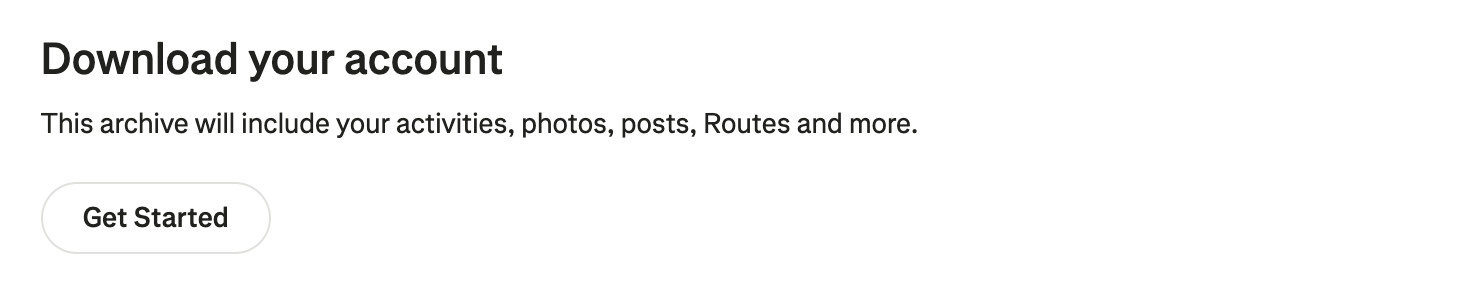
The Download your account section. Get Started opens the request page. - 4
Request download
Click Request download. Strava allows one archive request a week, so if you have asked recently it will say so and point you to the email it already sent.

Request download is the only button on that page. - 5
Wait for the email
Strava emails a download link to the address on your account, usually within a few hours. Check spam. The link expires, so download it when it arrives.
- 6
Download the zip
Download the zip and leave it zipped. It is your whole Strava history, so it can run from 10 MB to over 1 GB depending on years and photos. It is read on your computer first, and only the year or dates you choose are uploaded.
- 7
Drop it on Bound
Go to the upload page and drop the whole archive. Your browser reads the list of activities and uploads only the year or dates you choose. You then see what we found before you set anything up or pay.
If something looks wrong
If there is no activities.csv inside the zip, the archive is partial; request it again. If media/ has no photos, they were not in the archive. After upload we tell you what we found, before you pay. Your export is deleted 30 days after your book is dispatched.